
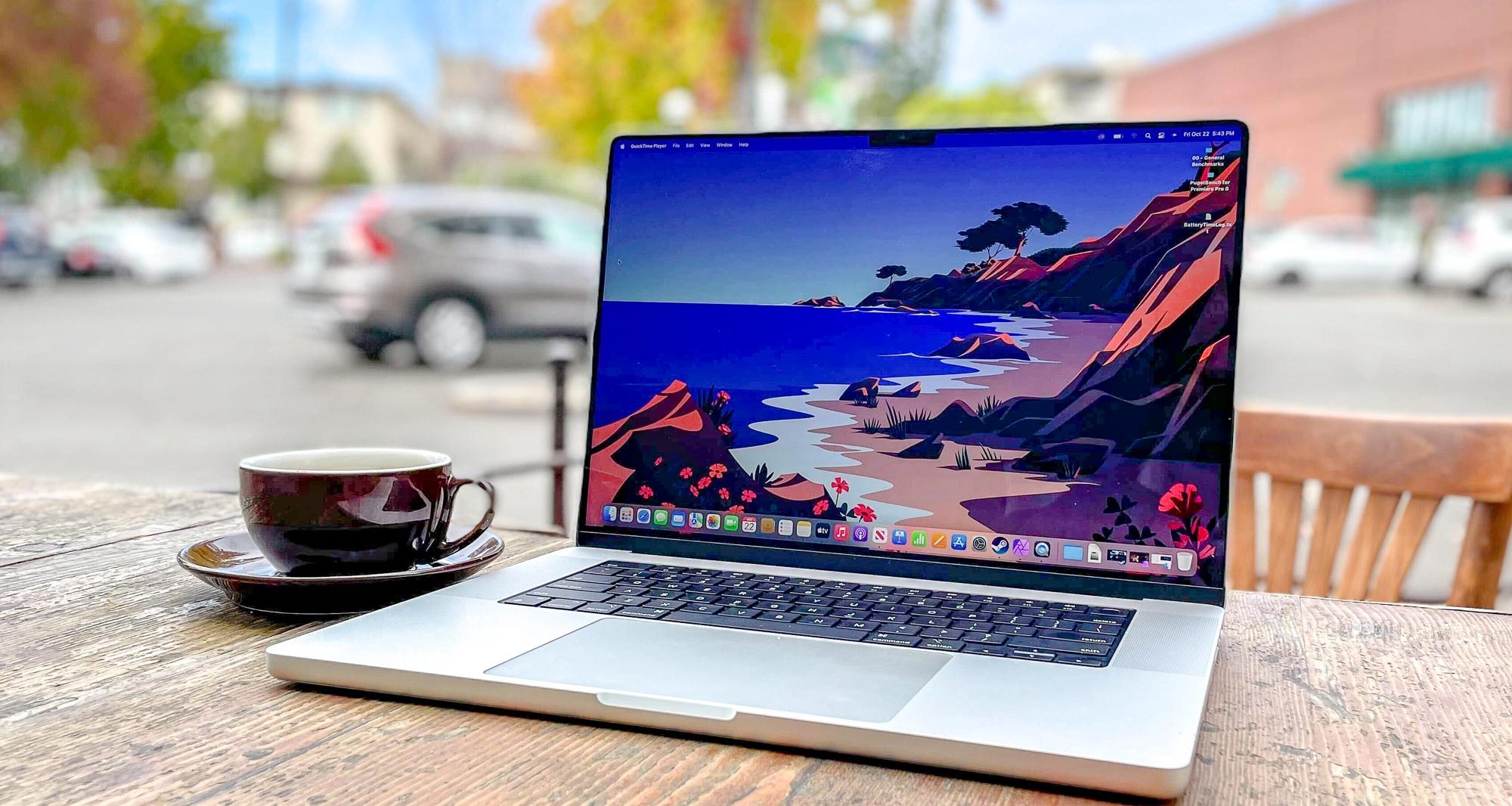
Below is a comprehensive guide to safely clean the screen of your Macbook laptop or desktop computer, as well as Apple-manufactured displays:
Important Reminder:
Avoid using cleaners that contain acetone, window cleaners, household cleaners, aerosol sprays, solvents, ammonia, abrasives, or cleaners containing hydrogen peroxide. These substances have the potential to cause damage to the screen.
Caution:
Never spray cleaner directly onto the screen. Direct spraying can result in liquid seeping into the display, causing irreversible damage.
Table of Contents
Cleaning Your Macbook Screen
Follow our simple 7-Step Macbook Screen Cleaning Guide:

1. Power Off and Unplug:
Before cleaning, ensure your Mac or Apple display is powered off and unplugged from any power source. This prevents any risk of electrical damage during cleaning.
2. Use a Microfibre Cloth:
Start by using a soft, lint-free microfiber cloth. Microfibre cloths are gentle on screens and effectively remove dust, fingerprints, and smudges without scratching.
3. Dampen the Cloth (Optional):
If there are stubborn spots or marks on the screen, you can lightly dampen the microfibre cloth with water. Ensure the cloth is only damp, not dripping wet. Avoid using any other liquids or cleaning solutions unless specifically recommended by Apple.
4. Gently Wipe the Screen:
With the microfibre cloth (either dry or lightly dampened), gently wipe the screen in a circular motion. Start from one side and work your way across the screen, applying gentle pressure as needed to remove dirt and smudges.
5. Dry with a Dry Cloth:
If you used a damp cloth, follow up with a dry microfibre cloth to wipe the screen again and remove any remaining moisture.
6. Inspect for Residue:
After cleaning, inspect the screen for any leftover residue or streaks. If necessary, repeat the gentle wiping process with the dry microfibre cloth until the screen is clean and streak-free.
7. Let it Dry Completely:
Allow the screen to air dry completely before powering on the device or plugging it back in.

How to Clean the Rest of Your Macbook
We understand that cleaning the Macbook screen is usually only one step in the process of cleaning your entire Macbook. Why not complete a full clean while you are learning how to properly clean a Macbook screen. Here are steps to clean the rest of your MacBook or iMac using a similar method:
Step 1
Ensure the device is powered off and disconnected from any power source.
Step 2
Use a dry, lint-free microfibre cloth to gently remove dust from the exterior surfaces, including the keyboard and other areas.
Step 3
For more stubborn dirt or smudges, lightly dampen the cloth with water. Avoid getting moisture into any openings and refrain from spraying liquids directly onto your device.
Handy Hint:
To sanitise your MacBook effectively, or if water alone isn’t sufficient, you can use 70% isopropyl alcohol wipes, 75% ethyl alcohol wipes, or Clorox Disinfecting Wipes. These can be safely applied to hard, nonporous surfaces such as the keyboard. Be careful to prevent moisture from entering any openings.

How to Clean Nano-Texture Glass
For cleaning this type of display, Apple recommends using only the cloth provided with your iMac or Pro Display XDR. Using any other type of cloth on nano-texture glass is not recommended by Apple. Replacement cloths are available for purchase if you have misplaced yours ($19 from Apple).
If stubborn smudges remain, you can lightly dampen this cloth with a 70% isopropyl alcohol (IPA) solution to effectively remove the marks. Remember to wipe gently and avoid excessive moisture on the screen.
Related Artciles: How to Clean Iphone Speaker, How to Clean Airpods Case, How to Clean your Keyboard.
Macbook Screen Frequently Asked Questions
Can I use regular household cleaners or wipes to clean my MacBook screen?
No, it’s important to avoid household cleaners, disinfectant wipes, or any products containing acetone, ammonia, or abrasives. These can damage the screen’s coatings and materials.
How often should I clean my MacBook screen?
It’s recommended to clean your MacBook screen regularly, ideally once a week or as needed. This helps prevent buildup of dust, fingerprints, and other residues that can affect visibility and screen performance.
What should I do if there are persistent smudges or marks on my MacBook screen?
For stubborn smudges, use a lint-free microfibre cloth lightly dampened with water. Avoid spraying water directly on the screen. If necessary, you can use a 50/50 mixture of distilled water and white vinegar or a screen-specific cleaning solution recommended by Apple. Always apply any liquid to the cloth first, rather than directly on the screen.
Final Say on How to Clean Macbook Screen
Maintaining a clean MacBook screen without streaks is essential for optimal visibility and longevity of your device. Use a soft, lint-free microfiber cloth and gentle cleaning solutions approved for screens to remove dust and smudges effectively. Avoid harsh chemicals and direct moisture on the screen to prevent damage. Regular cleaning not only enhances your viewing experience but also helps preserve the overall quality of your MacBook.
For additional questions regarding how to clean your Macbook Pro, why not drop us an email using our contact us form and we’ll endeavour to get back to you quickly. Commercial Cleaning Brisbane is our core business, but we also love helping people with simple cleaning tips and tricks via our blog posts.
Blog
View Our Latest Blog Posts Here.


How to Safely and Carefully Disinfect Office Electronics
In today’s world, maintaining a clean and hygienic workspace is paramount. As employees return to the office, it’s crucial to ensure that office electronics are properly disinfected. This blog post will guide you through the best practices for safely disinfecting office equipment, highlighting the importance of professional commercial cleaning Brisbane services and office cleaners Brisbane.…


Explore The Hidden Costs of Neglecting Commercial Cleaning
Beyond Aesthetics: Exploring The Hidden Costs of Neglecting Commercial Cleaning In the hustle and bustle of managing a business, it’s easy for some priorities to slip through the cracks. One often overlooked but crucial aspect is commercial cleaning in Brisbane. While it might seem like a minor concern amidst the daily grind, the impact of…


Top 10 Fun Things to Do in Brisbane
Brisbane, Australia’s sun-soaked river city, effortlessly blends urban sophistication with laid-back charm. Nestled along the winding Brisbane River, this vibrant metropolis boasts a subtropical climate that invites outdoor adventures year-round. The city’s skyline is punctuated by sleek skyscrapers juxtaposed against historic buildings, showcasing a rich tapestry of architectural styles. From the bustling South Bank Parklands,…

How to Recycle: From Recyclable Materials Through to Expert Tips
Recycling is a crucial component in reducing waste, conserving resources, and protecting the environment around us. By properly recycling materials, you contribute to a more sustainable world and help reduce the impact of waste on our planet. This guide will walk you through the steps of recycling, including what can be recycled (recyclable items), how…


How to Clean Venetian Blinds: A Complete Guide
Venetian blinds are a stylish and practical window covering, but over time, they can accumulate dust, dirt, and grime. Regular cleaning not only enhances their appearance but also prolongs their lifespan. If you’re wondering how to clean Venetian blinds effectively, follow our comprehensive guide that covers various methods and tips. Why Clean Venetian Blinds Regularly?…

Essential Guide to Commercial Cleaning Services for Businesses
In the fast-paced world of business, maintaining a pristine workspace is crucial. Cleanco Commercial Cleaning understands the profound impact of a clean environment on productivity and the impression it leaves. Our range of commercial cleaning services in Brisbane is designed to meet the unique needs of businesses, ensuring hygienic and inviting spaces for employees and…
Subscribe
Enter your email below to receive updates.